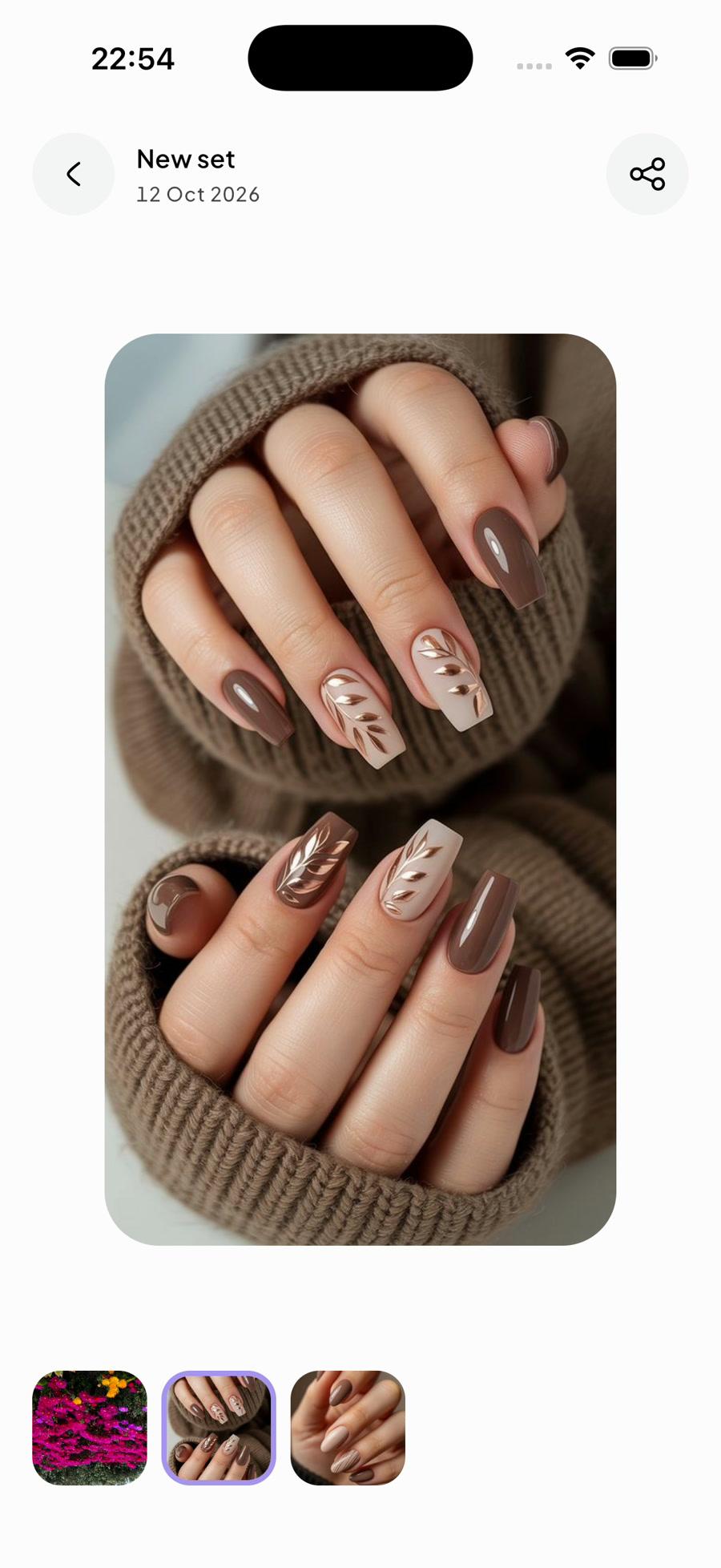
Find the nail idea you saved.
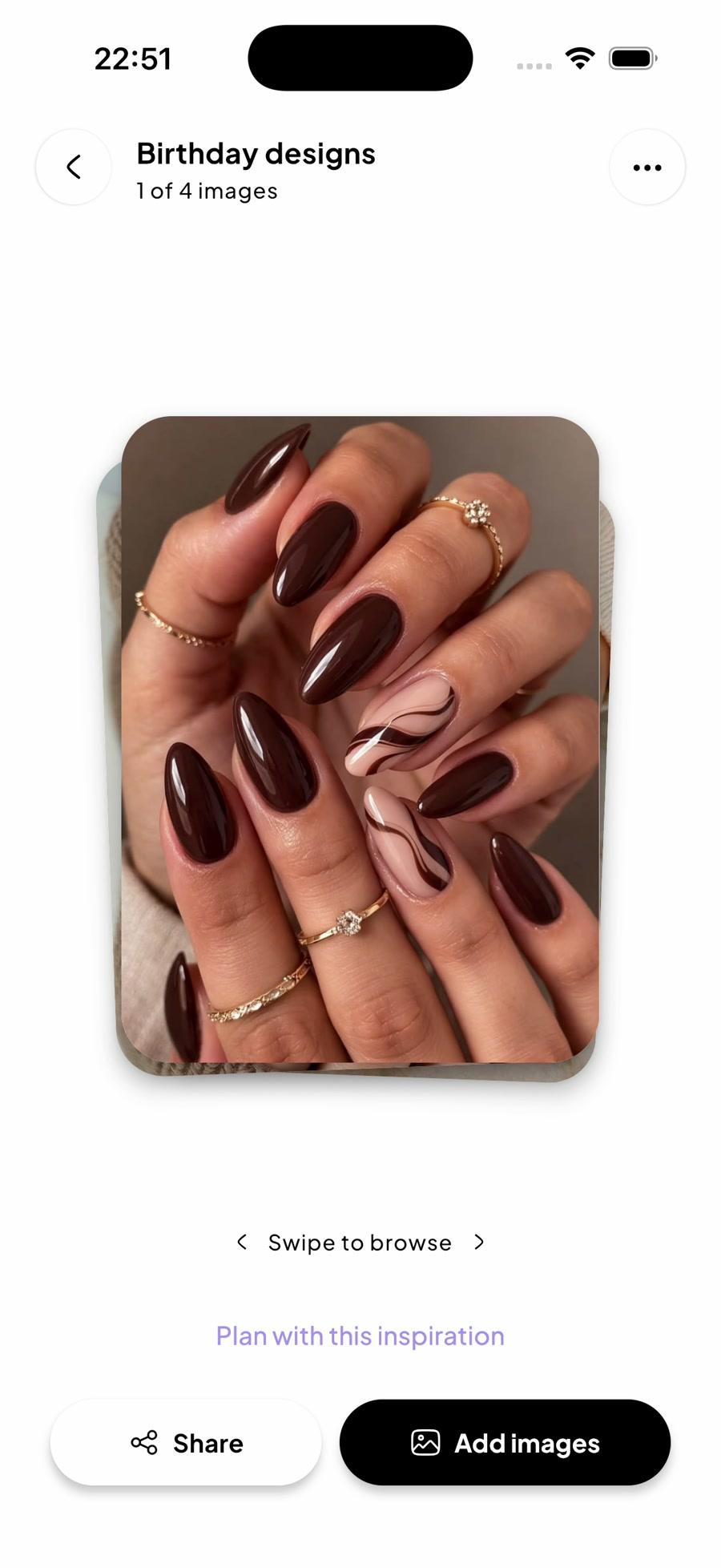
Give your saved references a private board. Browse before a DIY session, or pull it up in the salon chair to show your nail tech.
The ideas you save. The appointments you make. The sets you love. Keep them together, with photos, wear time, and spending you can look back on.


The silent walkthrough opens Home’s action menu, browses saved nail references with several board swipes, and explores the spending chart. View details then opens the set journal, recorded costs and notes, and a saved set photo. The sections below describe these features.
The reference in your camera roll. The appointment in your messages. The set you loved. Bring them together in Fleurdah.
Give your saved references a private board. Browse before a DIY session, or pull it up in the salon chair to show your nail tech.
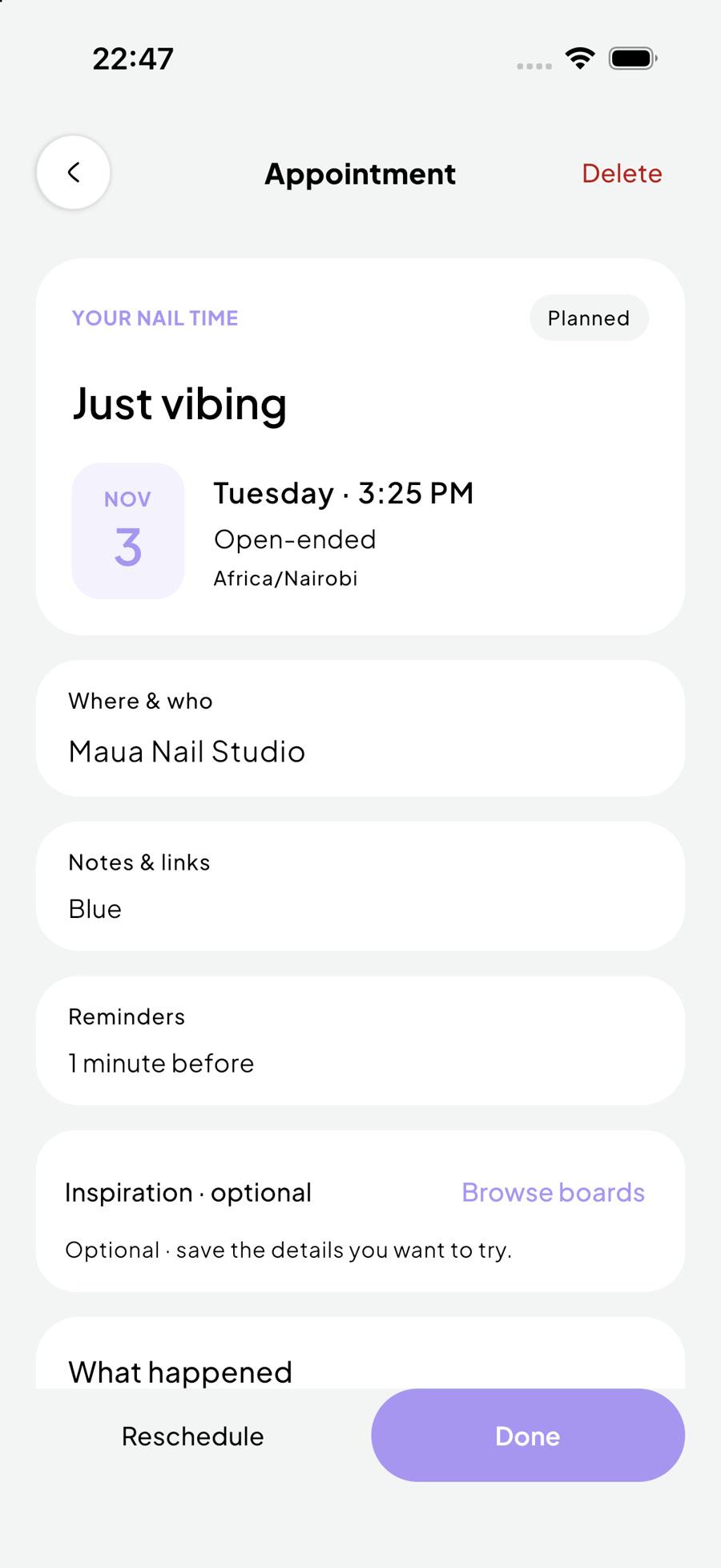
Keep salon visits and DIY sessions in your calendar, with reminders and your go-to nail techs and shops close by.

Log photos, repairs, and costs as you go. See how long each set lasted and what you spent, including cost per day.